Secure development for healthcare teams and partners.
KolaOS gives internal engineers, vendors and research partners the same ready-to-code workstation, with AI coding agents your organization approves. You decide who works on patient-facing software and for how long.
Request a demo
Patient-facing software is built by many hands.
Portals, scheduling, lab and EHR integrations are built by internal teams, vendors and research partners across several sites. Each of them needs a working environment, and every new AI tool adds questions for your security and privacy teams: who has access, which tools are in use and what is shared outside the team.
One configuration
Tools, versions and databases defined once, for staff and partners alike.
Partner access
Outside contributors join only the workspaces they work on.
Approved AI
Choose the coding agents and models each workspace may use.
Previews with limits
Sharing work outside the team needs approval and expires.
AI
Adopt AI coding agents on your organization's terms.
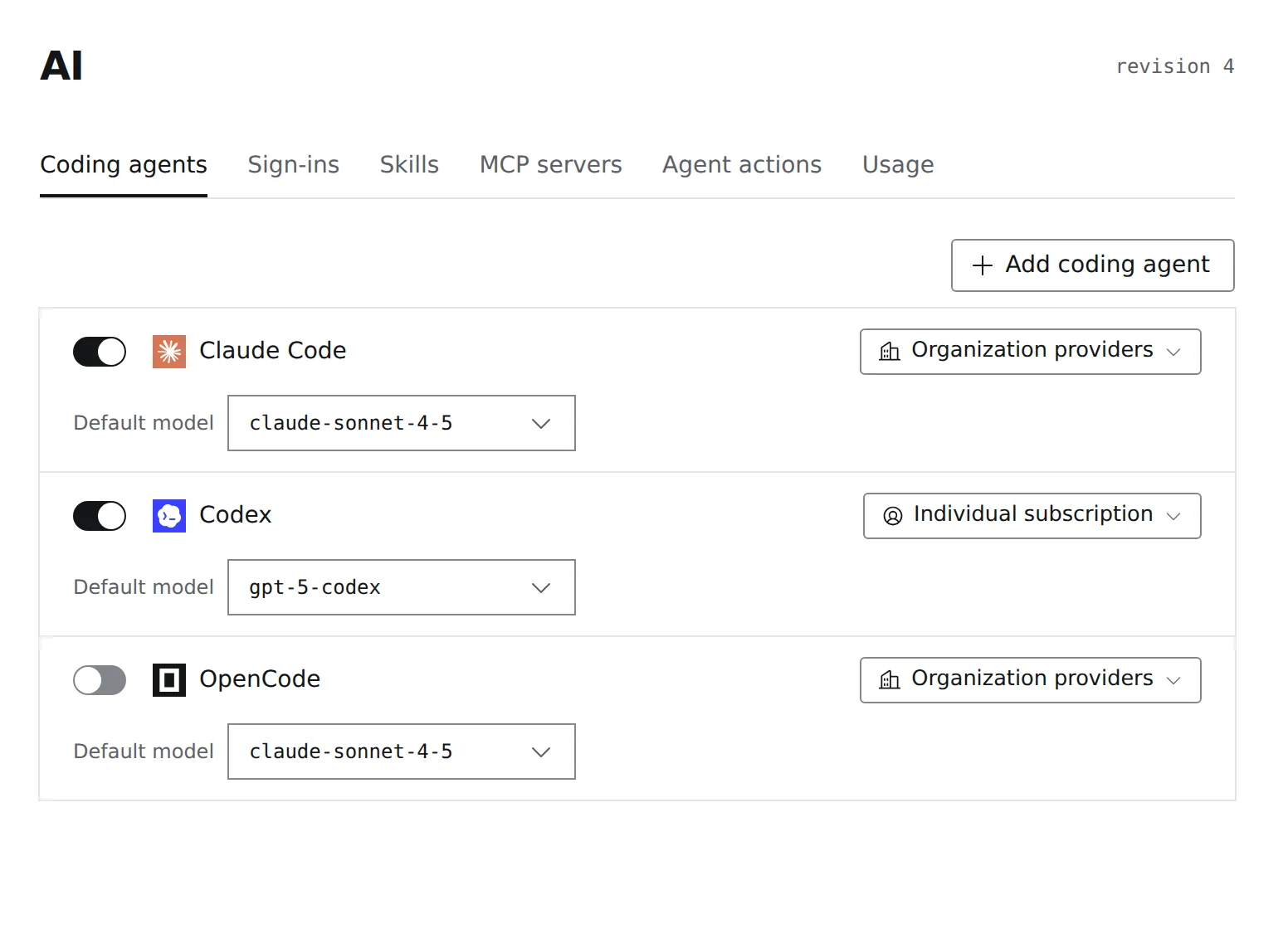
Turn each coding agent on or off for a workspace. Choose whether it uses your organization's AI providers or an individual subscription, and set its default model, so new AI tools don't arrive one laptop at a time.
- Coding agents switched on per workspace
- Organization providers or individual subscriptions
- A default model for each agent
Collaboration
Share work with clinicians and partners, then close access.
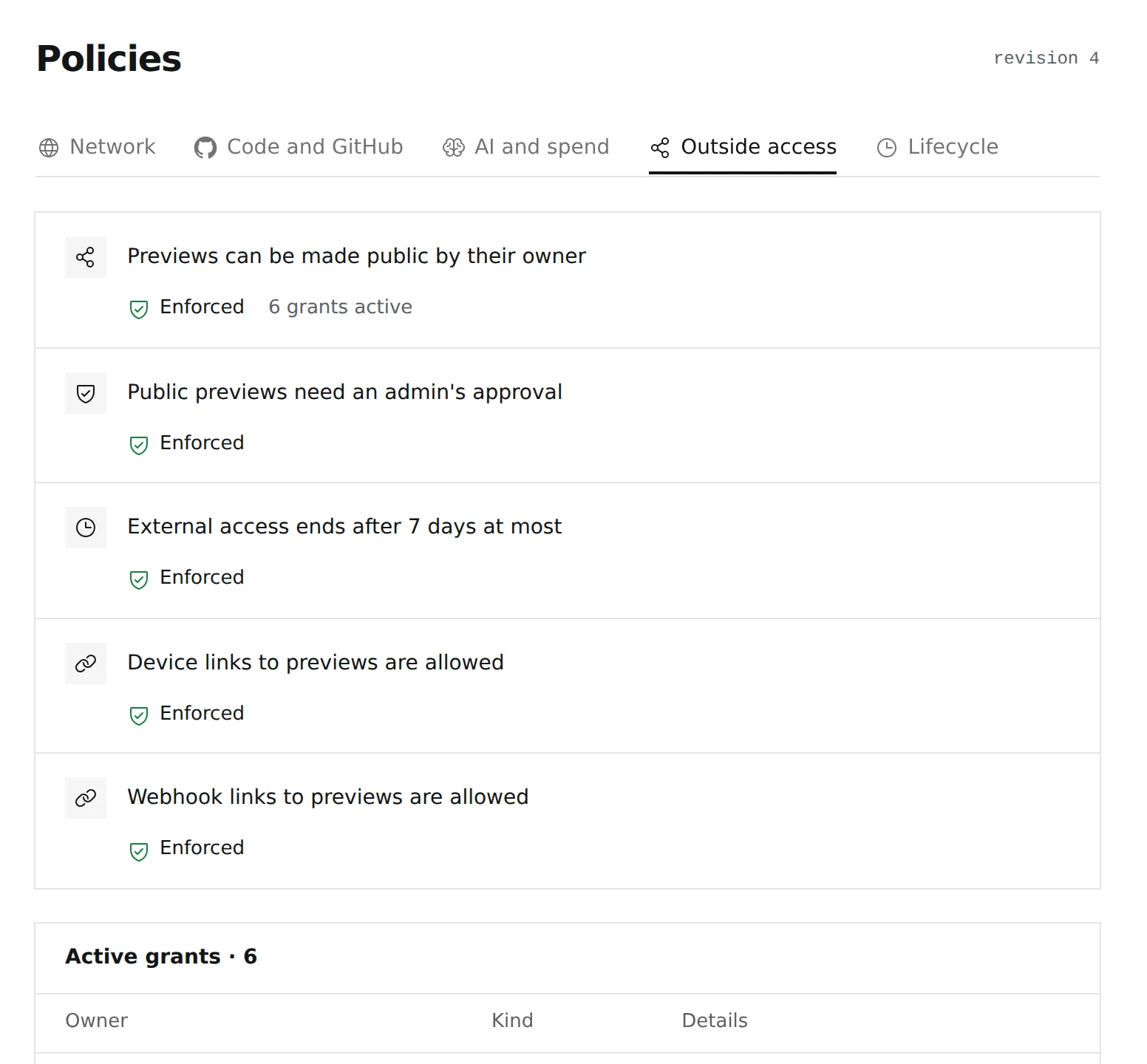
Engineers can share a running preview with a clinical reviewer or a partner. Public previews need an admin's approval, outside access ends after the time you set, and any grant can be revoked.
- Admin approval for public previews
- Outside access that expires
- Active grants listed and revocable
Visibility
Know who is working on patient-facing code.
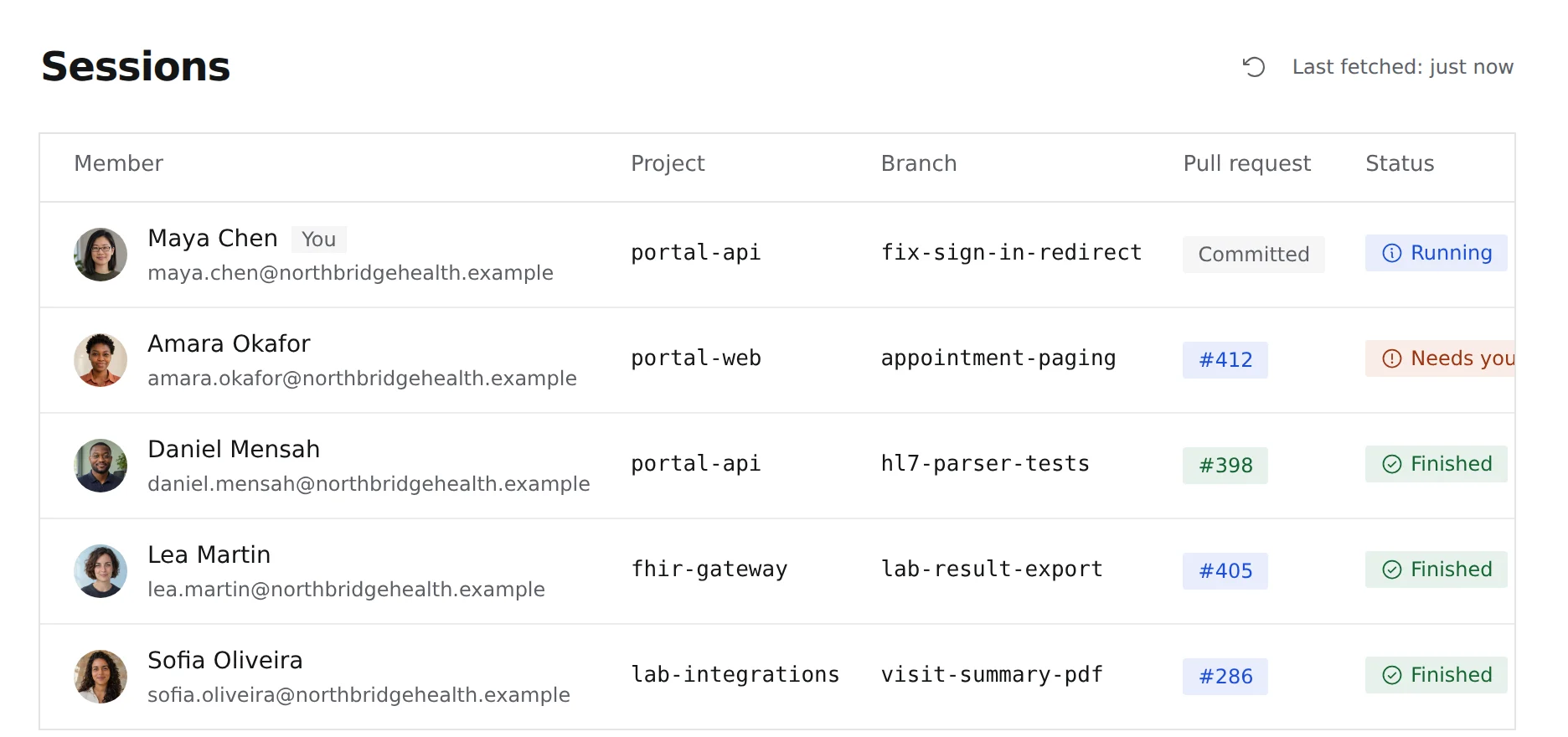
Follow every agent session in a workspace, with the engineer who started it, the repository, the branch, the pull request and its status. Sessions waiting for a person stand out.
- Sessions by member, repository and branch
- The pull request each session produced
- Sessions that need a person, marked
What healthcare engineering leaders get
- 01
Partners productive sooner
Vendors and research partners start from the workspace's configuration, not a setup document or a shipped laptop.
- 02
AI use you can explain
Approved agents, models and providers are set per workspace, so your privacy review covers what engineers actually use.
- 03
Access with an end date
Outside access expires, and removing a member ends their access and schedules their workstation for deletion.
Deployment and governance
Controls for your security and privacy review.
Choose where workstations run, including your own servers on premises or in a private cloud, and review the controls with your security and privacy teams.
- Deployment
- All of KolaOS privately on your own servers, on premises or in a private cloud, your own AWS account, or KolaOS Cloud in the EU or US.
- Sign-in
- Single sign-on through your identity provider, required for every member if you choose.
- AI
- Approved coding agents and models for each workspace, and an organization budget.
- Offboarding
- Remove a member once to end their access. Their workstation is deleted after the period you set.
Check the KolaOS security documentation to see what we cover.
Give every partner the same governed place to build.
Request a demo with your engineering and security leads.